Pipedrive integration
Use these steps to add LinkedIn prospects to Pipedrive through Vaam.
Connect Pipedrive
Section titled “Connect Pipedrive”-
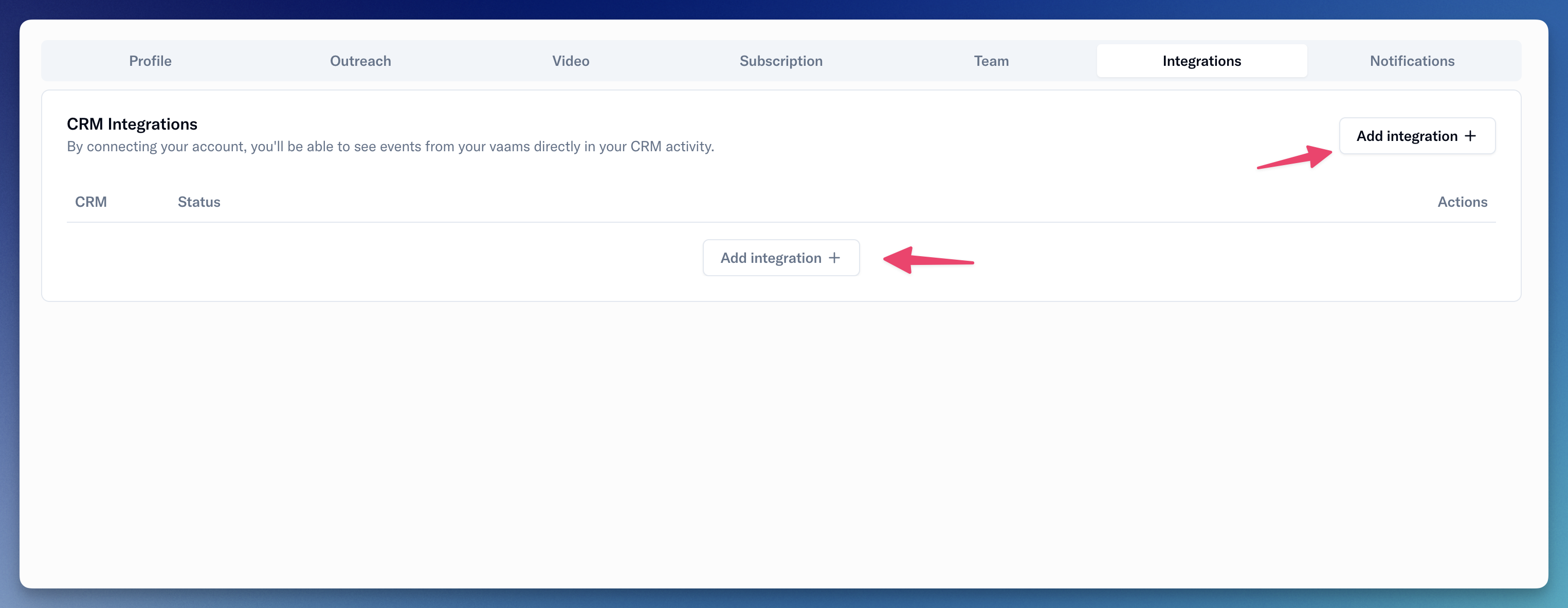
Open the Integrations Setting Page.
-
Connect Pipedrive to Vaam.
- Click on the “Add integration” button
- Click on “Pipedrive”.
- Authenticate with Pipedrive on the following pages
- Configure the integration.

- Ensure that the checkbox to “Sync Outreach prospect with Pipedrive” is checked.
- Select the field you want to use to save LinkedIn URLs on your contacts.
- If you don’t have a field, click the “Add a field” button to add a custom field in Pipedrive. Once you have added it, return to Vaam’s settings, reload the page, and select that field.
- Vaam automatically syncs new prospects you add to Vaam with Pipedrive.
- If Vaam finds multiple Pipedrive contacts that match a new prospect, you receive a manual task to choose which contact to connect.
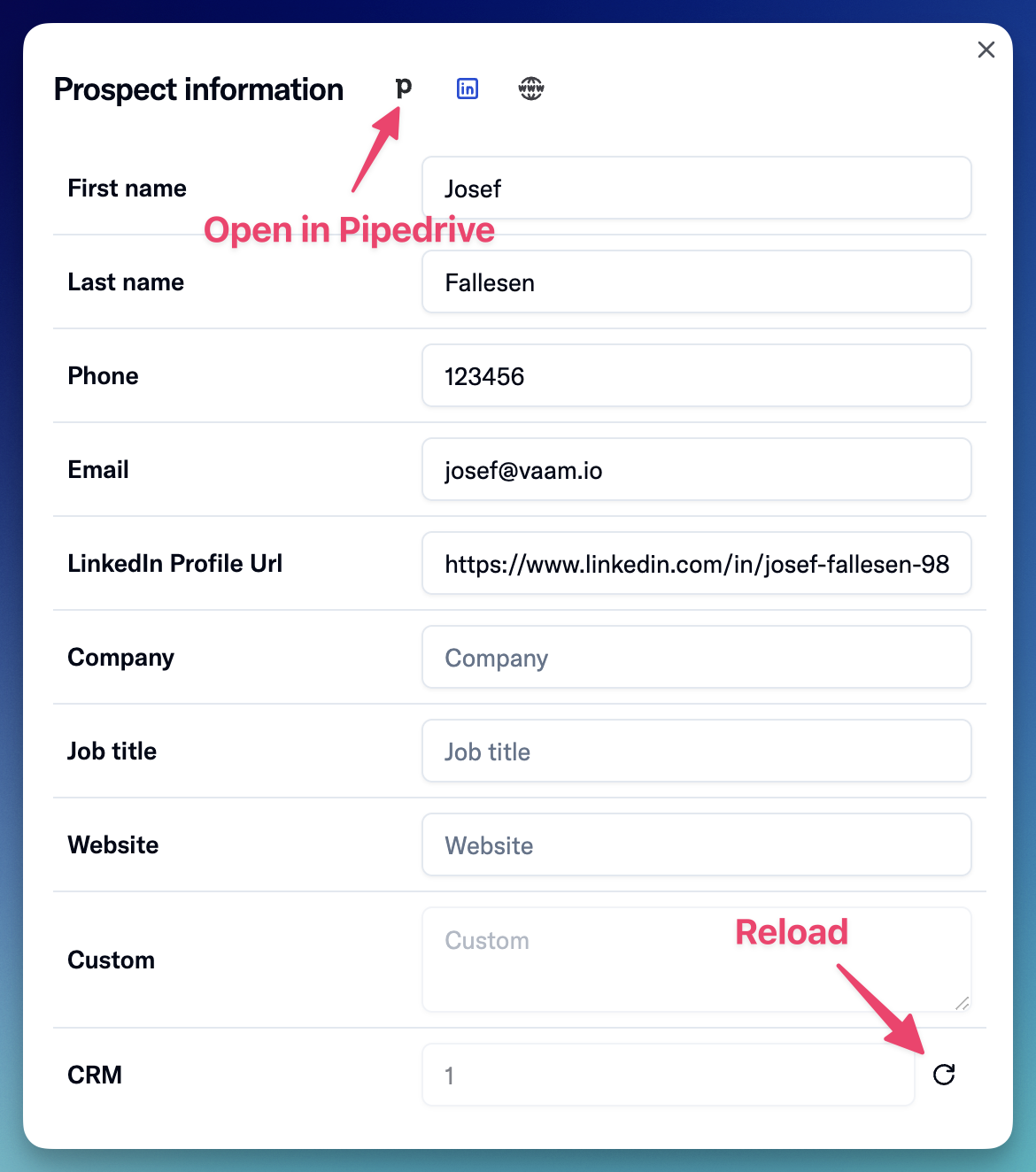
- To sync a prospect manually, open the prospect’s detail card and click the “Reload” button.